Cogno

The terminal, without the extra work.

Cogno remembers commands, keeps your projects organized, and gives you familiar shortcuts out of the box. Less mental load. More doing.

Currently in closed alpha ยท Early builds are shared on Discord

Cogno terminal with workspace panes, command output, and highlighted workflow context

Closed Alpha

Cogno is being tested with a small group before the first public release.

Early builds are shared through Discord while packaging, updates, and cross-platform stability are being improved.

Join the Alpha

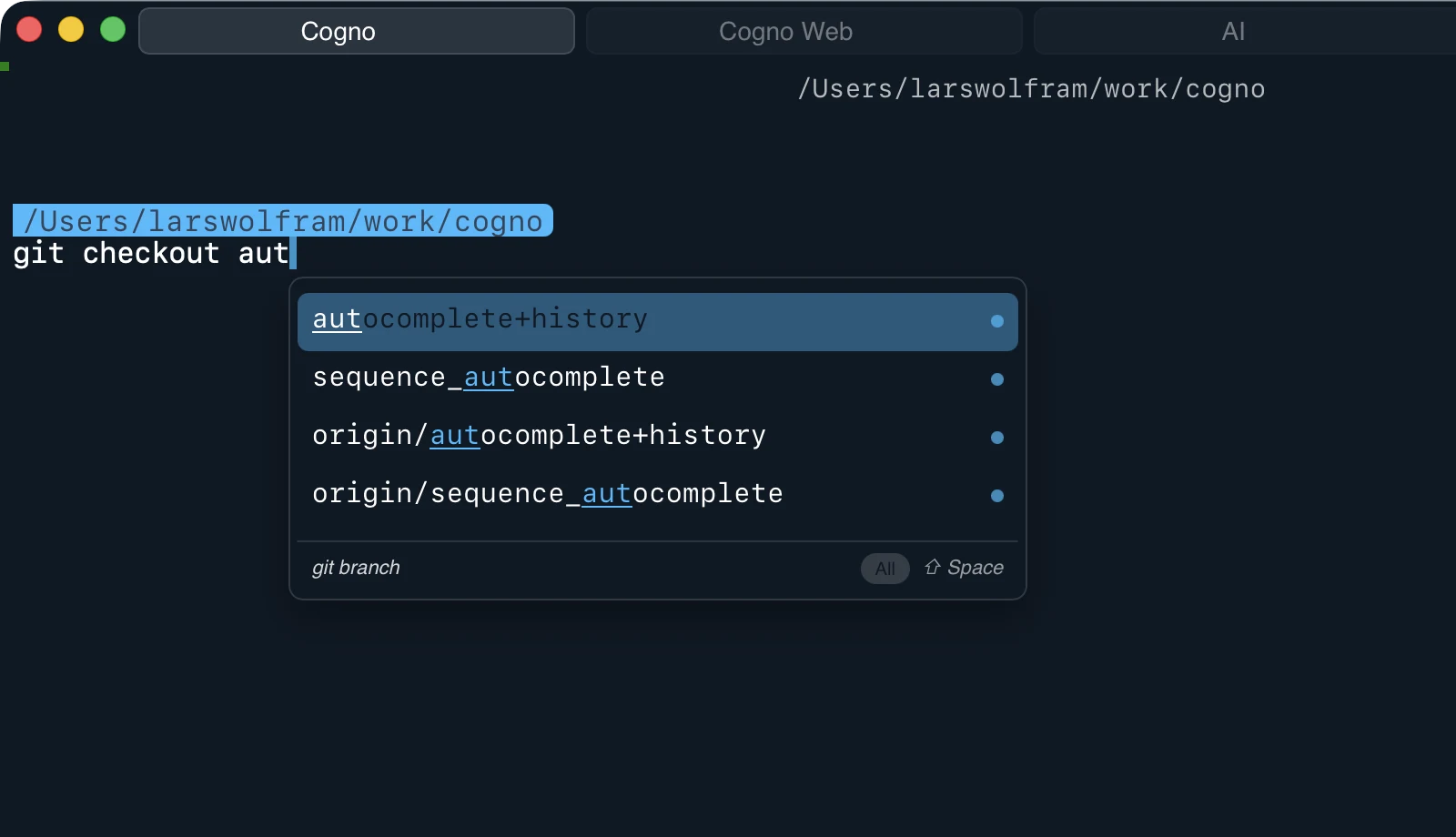
Stop searching for the same commands.

Cogno learns from your local workflow and suggests commands based on your history, current directory, and project context.

1000+ CLI integrations, powered entirely on-device.

Cogno autocomplete suggestions focused next to the command line

Use the shortcuts your fingers already know.

Move by word. Select text. Replace input. Paste naturally. Cogno makes terminal input feel closer to an editor, not like a separate world with separate rules.

Cogno editor-like input with cursor movement and text selection

AI in the terminal, without the cloud.

Ask questions, explain errors, or draft commands โ€” directly inside Cogno. Connects to local model runners like Ollama and LM Studio, or any OpenAI-compatible API. Your data stays on your machine.

Cogno supports AI in the terminal, without the cloud

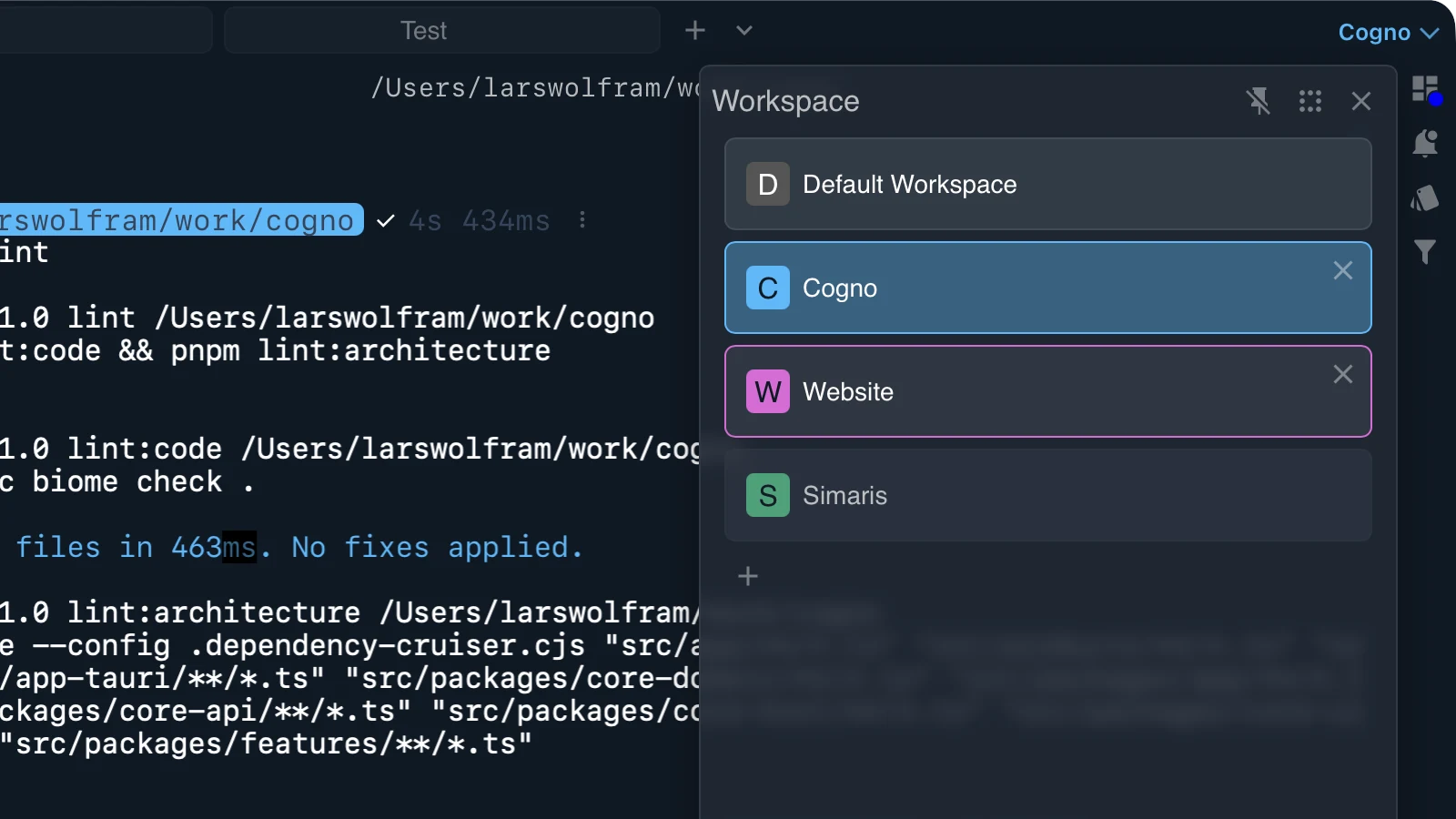
Your workspace should come back.

Save tabs, panes and project layouts so you don't rebuild your terminal setup every morning.

Cogno workspace layout focused on the right side of the terminal window

Stay in the flow.

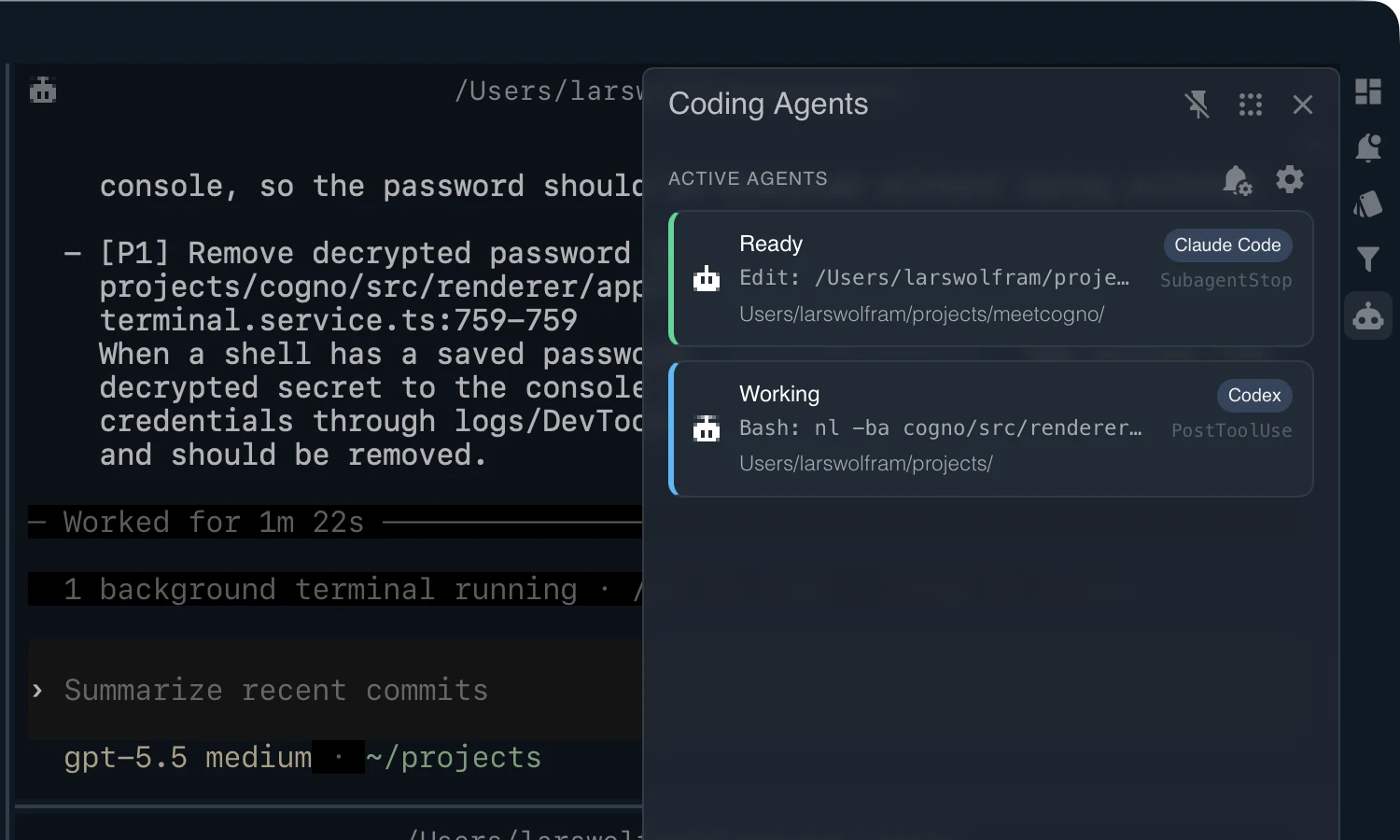
Get notified when long-running tasks finish. Cogno stays on guard so you can focus on other work, bringing you back the moment results are ready.

Cogno notification focused in the lower right of the terminal window

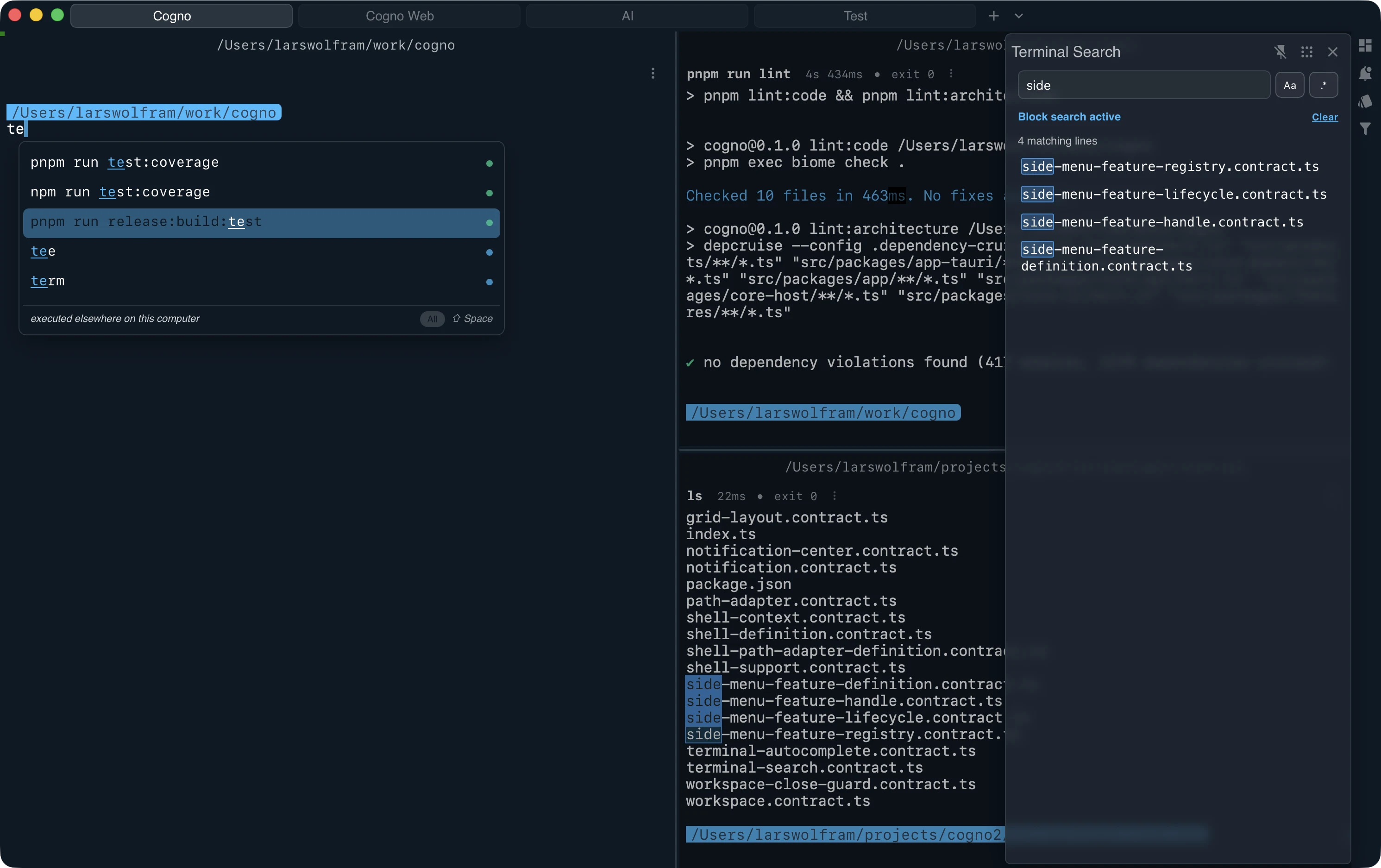
Find output without scrolling forever.

Filter the current command output or the whole buffer โ€” hide the noise, keep what matters.

Cogno search and filtering focused on the right side of the terminal window

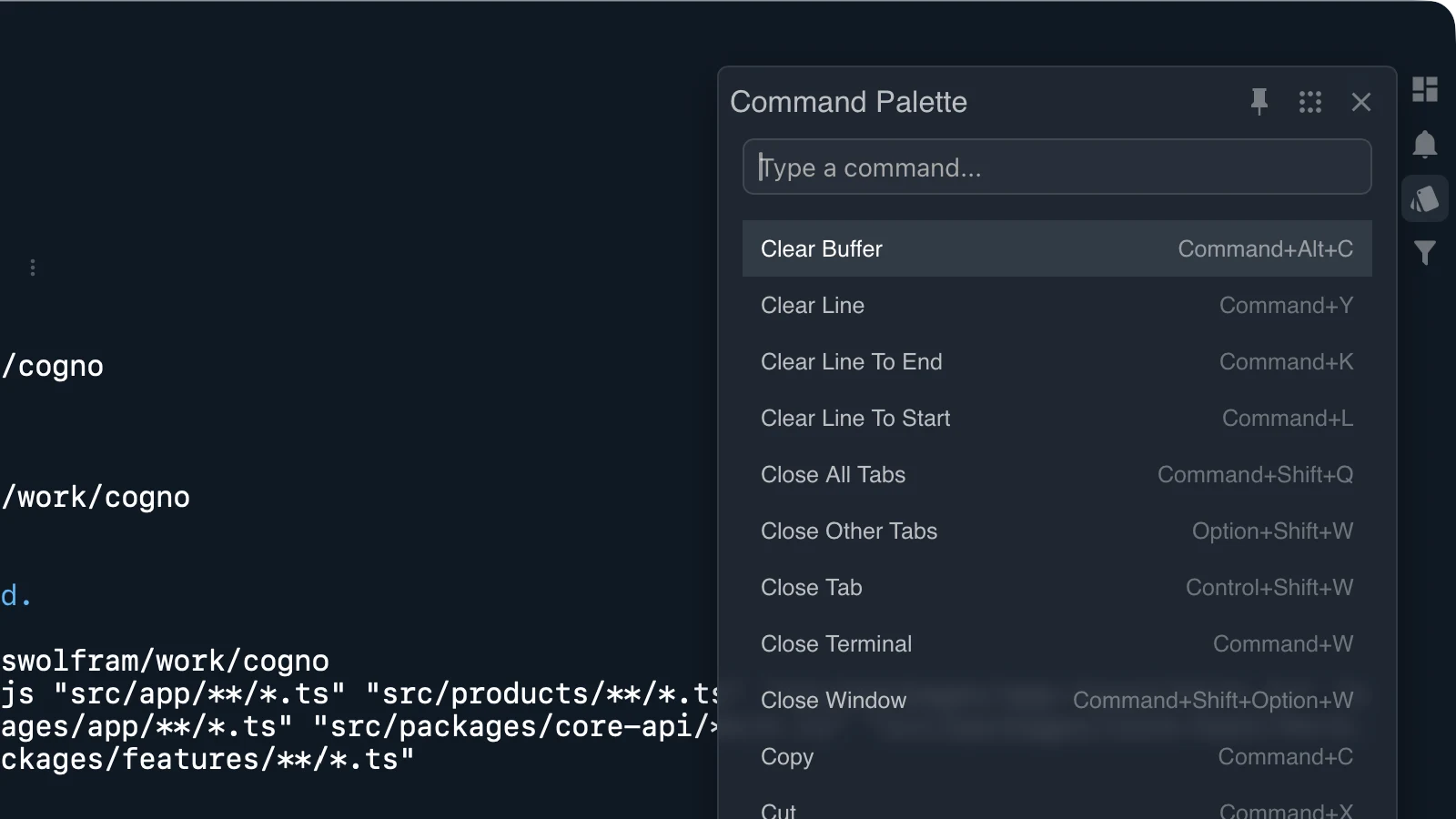
Command palette, always close.

Open actions, settings, and workspace commands from one fast palette without leaving the keyboard.

Cogno command palette opened over the terminal

Built for where you work.

  • macOS
  • Linux
  • Windows

Instant startup

Cogno is engineered for speed. From the moment you hit the key, it is ready. No waiting for a runtime to load, just instant access to your shell.

System-native performance

By leveraging the OS's native rendering engines and a high-performance Rust core, Cogno keeps the memory footprint minimal and input latency near zero.

Efficiency first

Tools should be powerful, not heavy. A single, self-contained binary under 40MB that treats your system resources with respect.